Deutsch
 English
 العربية
Building a German, English and Arabic Website: SEO, UX and Localization Guide
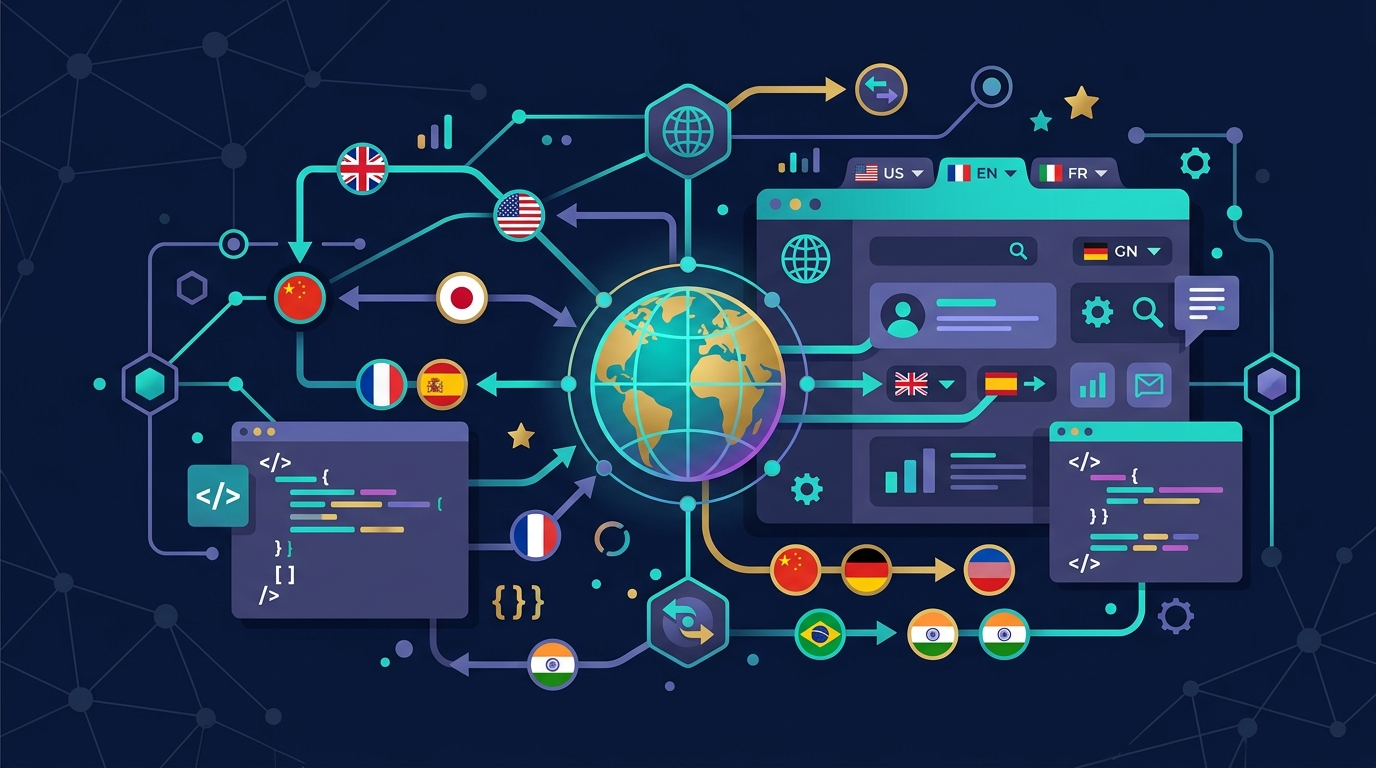
To expand your business into international markets or connect with diverse regional communities, a multilingual website is an essential asset. However, a simple word-for-word translation is rarely enough. Success requires masterfully aligning technical SEO standards, user experience (UX), and cultural nuances, particularly when mixing Left-to-Right (LTR) languages like German and English with Right-to-Left (RTL) languages like Arabic.
This guide provides a practical blueprint for launching a high-performance multilingual website supporting German, English, and Arabic.
Translation vs. Localization: The Core Difference
A standard translation swaps words from one language to another. While semantically accurate, it often ignores industry-specific jargon, local idioms, and tone of voice.
Localization adapts the entire digital experience to the cultural, behavioral, and functional expectations of the target audience. Key areas include:
- Curating datums, phone numbers, units of measure, and regional currencies,
- Adjusting design aesthetics and imagery (e.g., trust signals vary; German audiences value detailed certifications and formal tone, whereas Middle Eastern B2B prospects respond strongly to relational storytelling, testimonials, and prominent contact options),
- Ensuring compliance with local regulations (such as GDPR privacy requirements in Germany).
Technical Foundations for Multilingual SEO
Search engines must be able to crawl, index, and associate your localized pages correctly without triggering duplicate content penalties.
1. Dedicated URL Structures
Never rely on automatic IP-based redirects or cookie-based language delivery on a single URL. Doing so prevents search engine crawlers from indexing your translations.
Google recommends using one of the following structures:
- Subdirectories (Recommended):
pixzo.de/(German),pixzo.de/en/(English),pixzo.de/ar/(Arabic). - Subdomains:
de.pixzo.de,en.pixzo.de,ar.pixzo.de. - Country-code Top-Level Domains (ccTLDs):
pixzo.de,pixzo.com,pixzo.ae.
2. Reciprocal Hreflang Tags
Hreflang tags inform Google about the relationship between your localized pages and ensure the user is served the correct language version in search results. Every language cluster must be reciprocal (if page A links to page B via hreflang, page B must link back to page A).
Example HTML header implementation:
<link rel="alternate" hreflang="de-DE" href="https://pixzo.de/blog/mehrsprachige-website-deutsch-englisch-arabisch" />
<link rel="alternate" hreflang="en" href="https://pixzo.de/en/blog/german-english-arabic-website-guide" />
<link rel="alternate" hreflang="ar" href="https://pixzo.de/ar/blog/german-english-arabic-website-guide" />
<link rel="alternate" hreflang="x-default" href="https://pixzo.de/blog/mehrsprachige-website-deutsch-englisch-arabisch" />
Note: The x-default attribute marks the fallback page for users whose language settings do not match any defined options.
3. Self-Referencing Canonical Tags
Each page must include a canonical tag pointing to its own URL (e.g., the English page points to the English URL). This prevents search engines from flagging translated pages as duplicate versions of the default locale.
UX Design and RTL (Right-to-Left) Challenges for Arabic
Adding Arabic requires mirroring your layout because the language reads from right to left. A professional localization shifts the entire interface, not just the text alignment:
- Navigation & Layout: Logotypes, menus, and sidebars move to the right. Navigation flow is reversed.
- Form Fields: Input fields align to the right, and input placeholders fill from right to left.
- Iconography & Badges: Action buttons (like back/forward arrows) must be mirrored. Static elements that do not imply reading direction (like search icons or settings wheels) remain unmirrored.
CSS Example for RTL-Friendly Layouts:
Use logical CSS properties instead of absolute left/right definitions to build responsive, reversible layouts:
/* Instead of margin-left: 24px; */
margin-inline-start: 24px;

/* Instead of text-align: left; */
text-align: start;
Ensure the document wrapper defines the correct reading direction:
<html lang="ar" dir="rtl">Typography and Forms in Arabic
- Font Selection: Default system fonts often render poorly in Arabic. Select highly readable Google Fonts like Cairo or Tajawal to maintain visual quality.
- Numerals: Be consistent with number presentation. While western Arabic numerals (1, 2, 3) are standard in North Africa and global business, eastern Arabic numerals (١، ٢، ٣) are widely used in the Gulf region.
- Form Fields: Phone number inputs should preserve LTR formats (e.g. beginning with country codes like +49) to ensure validation scripts work correctly across locales.
Language-Specific Keyword Research
Avoid direct keyword translation. The way users search for products and services differs by region.
- Example: In German-speaking markets, B2B queries might target technical terms like “Dienstleister Webentwicklung,” while international audiences look for “custom web development agency.” Direct translations will miss actual search volume.
- Conduct independent keyword research for each target language to optimize metadata and align with local search intent.
Quality Assurance Checklist for Multilingual Websites
Run these checks before launch:
- Are all hreflang clusters reciprocal and verified?
- Does every page have a self-referencing canonical tag pointing to the correct URL?
- Does the language switcher work on every subpage (without redirecting users back to the homepage)?
- Is the Arabic layout completely mirrored on mobile viewports?
- Are form validation errors, placeholders, and transaction emails fully localized?
- Are font sizes adjusted for Arabic (Arabic glyphs usually require a 2–3px larger font size to remain readable)?
Conclusion: Quality Drives Trust
A multilingual website signals credibility and professional scale. By combining technical SEO best practices, symmetrical RTL layout design, and cultural localization, you ensure a seamless user experience that converts traffic into customers.
Planning a multilingual web development project? Our team at Pixzo designs, develops, and optimizes cross-border web experiences.